
Congratulations! You are now just a step away from effectively monitoring your website’s performance with GA4, and our free Looker Studio templates will help you make data-driven decisions.
We are excited to be part of your journey toward business growth by providing easy-to-use and insightful dashboards to track your website metrics.
In addition to the GA4 dashboards, we’ve also created free dashboards for Google Ads, Google Search Console, Google Business Profile, and YouTube.
These dashboards are completely free to use and provide a comprehensive view of your digital marketing performance across multiple platforms.
Select a GA4 Account
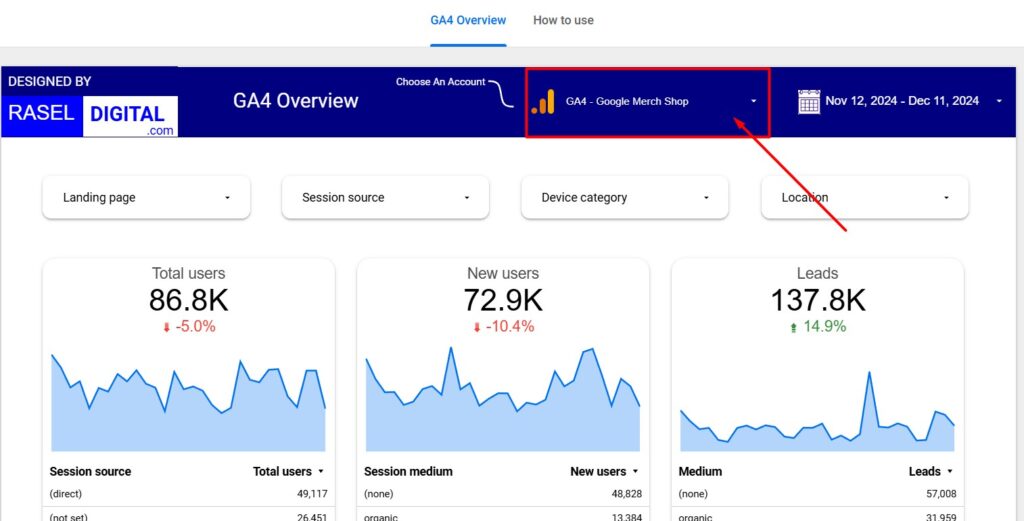
At first you have to select a Google Analytics 4 (GA4) account whose data you wish to view. You must have access to the GA4 account to your Gmail.
Filters to Enhance Your Dashboard Experience
Our dashboards have powerful filters designed to help you customize and refine the data you see. These filters allow you to drill down into specific metrics and better understand your website and marketing performance.
Here’s a breakdown of the filters available in the GA4 Looker Studio templates:
Date Range
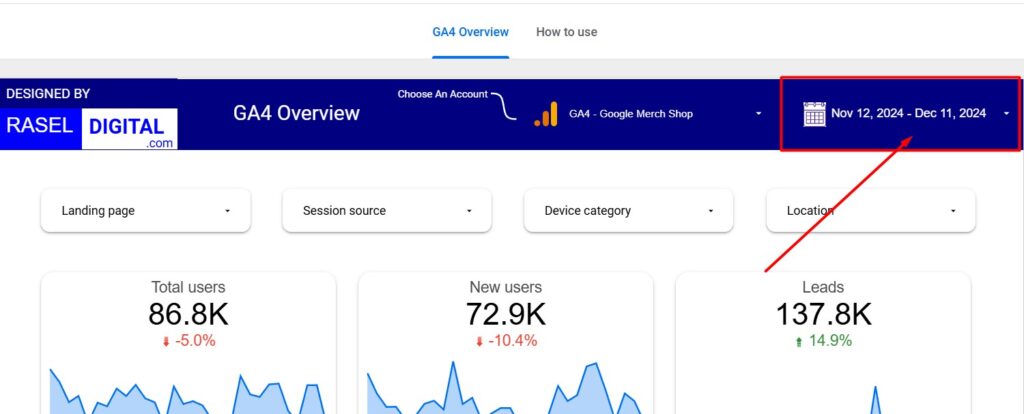
With this filter, you can select a specific date range to analyze your website’s performance. You can choose from predefined options like yesterday, last 7 days, last month, or last year, or customize the range based on your needs.
Benefit: This allows you to track and compare your website’s performance over different time periods, helping you identify trends and seasonal fluctuations.
Landing Page
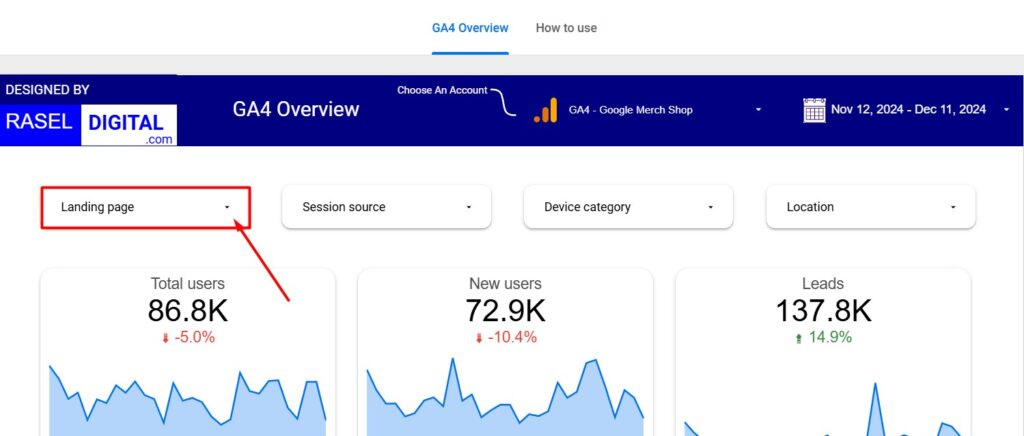
This filter lets you focus on the performance of a specific page on your website. By selecting a landing page, you can analyze user behavior, such as page views, engagement, and conversions, on that particular page.
Benefit: This helps you pinpoint which pages are driving the most traffic and user interaction, enabling targeted improvements.
Session Source
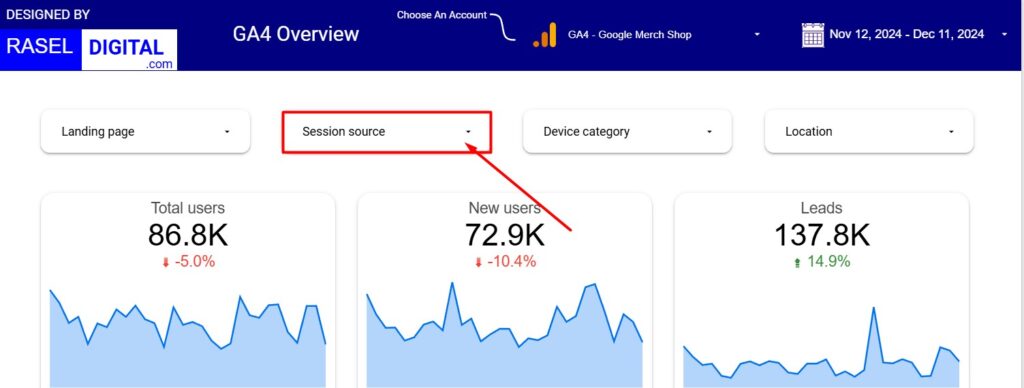
Visitors can come from various sources, such as organic search, paid ads, social media, or direct visits. With this filter, you can choose a specific session source to view performance metrics for visitors coming from that source.
Benefit: Understanding performance by session source helps you assess the effectiveness of different marketing channels and adjust strategies accordingly.
Device Category
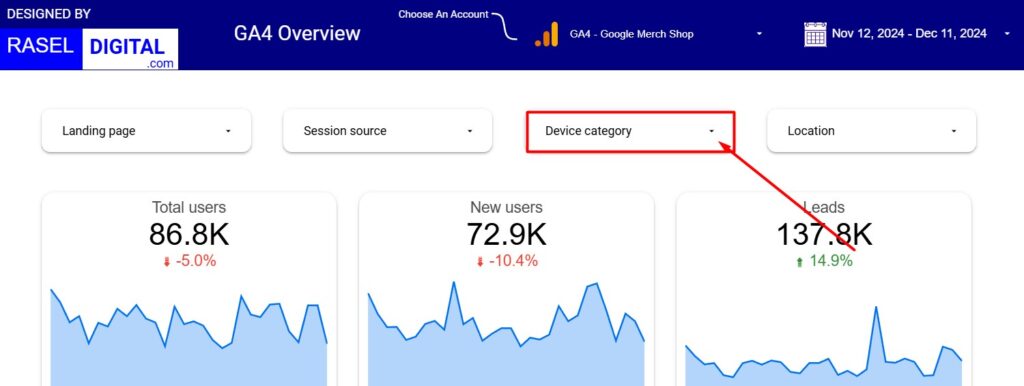
This filter allows you to segment data by device type—mobile, desktop, or tablet. You can choose any device category to analyze how users on different devices interact with your website.
Benefit: This insight helps you optimize your website for different devices and improve user experience across all platforms.
Location
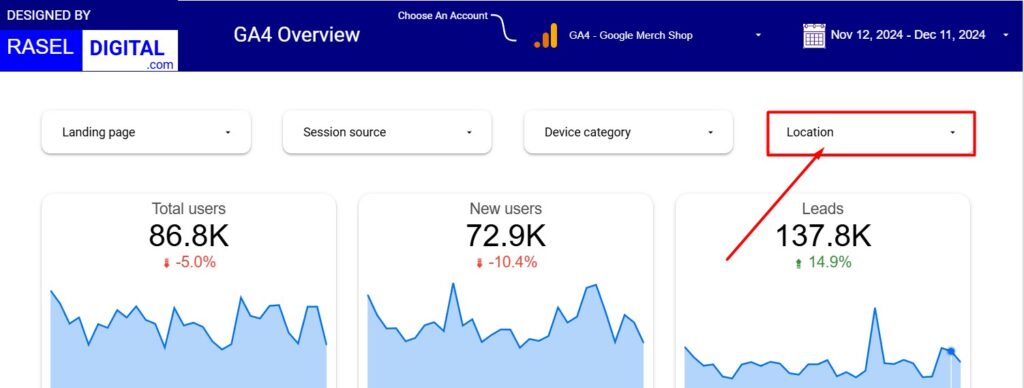
With this filter, you can select a specific geographic location to view the number of visitors coming from that area. This can be especially useful for localized marketing campaigns or understanding regional trends.
Benefit: Tracking visitors by location helps you understand where your audience is coming from, enabling you to tailor content and marketing strategies for different regions.
Facing problems? We would be happy to assist you!
If you have any questions or need help navigating the dashboard, feel free to contact us. We’re here to help you get the most out of your data and dashboards.